
Healthcare
Coordinate Patient Care.Simplify Clinic Operations.
KlinikHW — Klinik Mandiri
Connect registration, queues, and medical records in one care workflow for independent practices and clinics.
- Explore the workflow
- Review the feature scope
- Discuss your needs
Application demoAdaptation discussed together
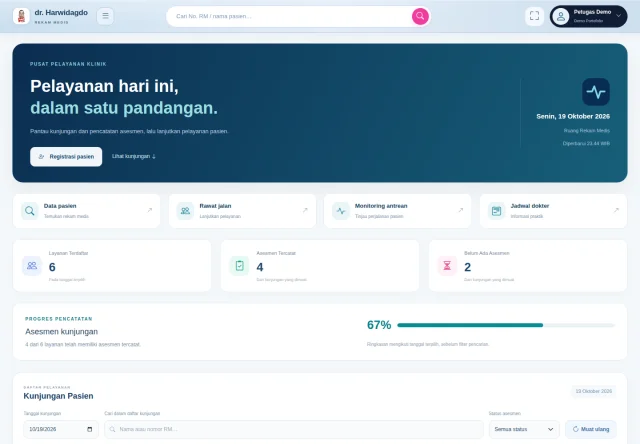
Start with your requirements
Agree on the scope together
Plan a clear path forward
Explore Features for the Way You Work.
Review the application scope and find workflows relevant to your business.
Patient registration and electronic medical records
Online queues and practice schedules
Patient search and visit history
See the Application. Explore the Possibilities.
Explore the interface and application scope before discussing your requirements.
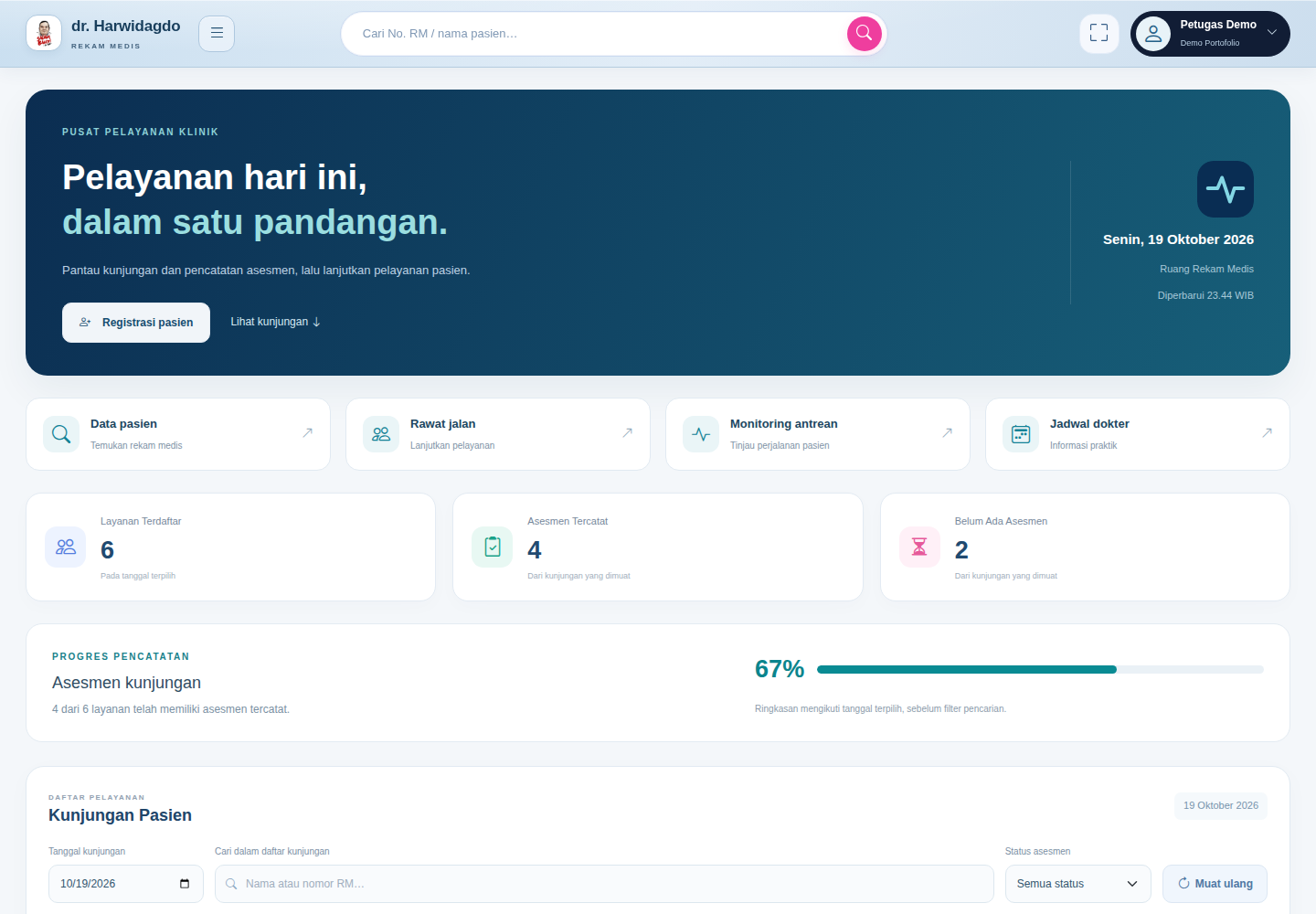
Feature Scope
These features follow the published product information. Additional requirements are discussed together.
- Visit dashboard and assessment status
- Patient registration and electronic medical records
- Online queues and practice schedules
- Patient search and visit history
Start with Your Needs. Build a Plan Together.
Understand your processes, user roles, and data needs first. Work scope, testing, training, and support are defined through a shared discussion.
Map your requirements
Understand your processes, users, and priorities.
Plan the implementation
Discuss scope, testing, and user training.
Support & development
Agree on support arrangements and future development.
Built Around Your Requirements.
Discuss your workflows and existing systems to shape a clear development plan.
- Workflows
- Data Needs
- Existing Systems
Integration, third-party access, and testing follow the agreed scope.
Discuss the Details from the Start.
Agree on the right steps before implementation begins.
Map your requirements
Understand your processes, users, and priorities.
Plan the implementation
Discuss scope, testing, and user training.
Support & development
Agree on support arrangements and future development.
Product Scope and Notes
Read the full details on usage, feature boundaries, and implementation considerations.
Who it is for & workflow
Independent practices and clinics that need visit records and coordinated daily care.
Feature scope
The following features are present in the reviewed development.
- Visit dashboard and assessment status
- Patient registration and electronic medical records
- Online queues and practice schedules
- Patient search and visit history
Implementation for your needs
Start by mapping workflows, user roles, migration, and integration requirements. Work scope, validation, training, and support are agreed in a proposal.
About this preview
The preview uses synthetic records. Third-party integrations, medical record migration, and complete clinical workflows require separate validation before implementation.
About the Product Review
Reviewed on 19 October 2026 using owner-authorized source and local interface previews. This is a development portfolio entry; production readiness and commercialization rights are reviewed separately.
Updated:
Frequently Asked Questions
Can the application be adapted to our requirements?
We start by discussing your workflows and priorities. Feasibility, additional features, integration requirements, and costs are determined after the scope is understood and agreed.
How are implementation and training arranged?
We start by mapping requirements, then discuss configuration or development, testing, training, and support. The schedule and each party’s responsibilities are agreed before work begins.
Explore the Solution. Discuss Your Needs.
Discuss relevant workflows and the right scope for your business.
Development portfolio; implementation scope and usage rights are discussed together.