
Business
Bring Findings into Focus.Plan the Next Action.
PrabuGuard
A web application security workspace for verified assets, risk findings, remediation tracking, and team reporting.
- Explore the workflow
- Review the feature scope
- Discuss your needs
Application demoAdaptation discussed together
Start with your requirements
Agree on the scope together
Plan a clear path forward
Explore Features for the Way You Work.
Review the application scope and find workflows relevant to your business.
Scoped passive scanning workflow
Finding records and remediation tracking
Reports and security audit activity
See the Application. Explore the Possibilities.
Explore the interface and application scope before discussing your requirements.
Feature Scope
These features follow the published product information. Additional requirements are discussed together.
- Organizations, workspaces, and verified targets
- Scoped passive scanning workflow
- Finding records and remediation tracking
- Reports and security audit activity
Start with Your Needs. Build a Plan Together.
Understand your processes, user roles, and data needs first. Work scope, testing, training, and support are defined through a shared discussion.
Map your requirements
Understand your processes, users, and priorities.
Plan the implementation
Discuss scope, testing, and user training.
Support & development
Agree on support arrangements and future development.
Built Around Your Requirements.
Discuss your workflows and existing systems to shape a clear development plan.
- Workflows
- Data Needs
- Existing Systems
Integration, third-party access, and testing follow the agreed scope.
Discuss the Details from the Start.
Agree on the right steps before implementation begins.
Map your requirements
Understand your processes, users, and priorities.
Plan the implementation
Discuss scope, testing, and user training.
Support & development
Agree on support arrangements and future development.
Product Scope and Notes
Read the full details on usage, feature boundaries, and implementation considerations.
Who it is for & workflow
Website and application teams reviewing assets they own or are explicitly authorized to assess.
Feature scope
The following features are present in the reviewed development.
- Organizations, workspaces, and verified targets
- Scoped passive scanning workflow
- Finding records and remediation tracking
- Reports and security audit activity
Implementation for your needs
Start by mapping workflows, user roles, migration, and integration requirements. Work scope, validation, training, and support are agreed in a proposal.
About this preview
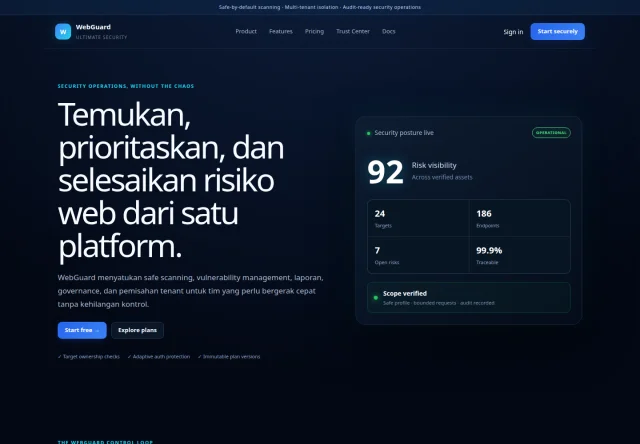
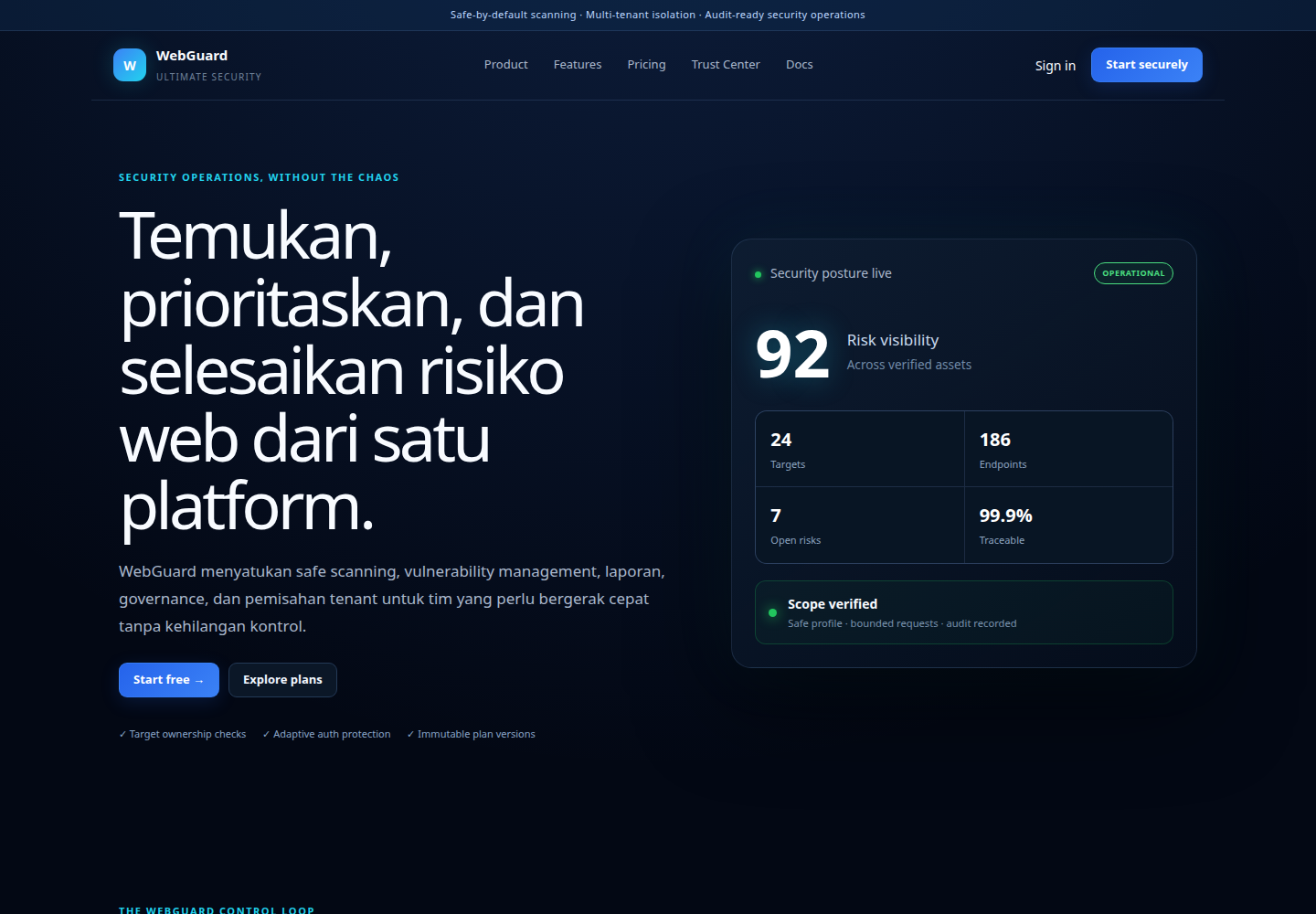
The screenshot shows the product page. No target scans were run in this review. Security assessments require authorization and agreed scope; this does not establish a comprehensive security guarantee.
About the Product Review
Reviewed on 19 October 2026 using owner-authorized source and local interface previews. This is a development portfolio entry; production readiness and commercialization rights are reviewed separately.
Updated:
Frequently Asked Questions
Can the application be adapted to our requirements?
We start by discussing your workflows and priorities. Feasibility, additional features, integration requirements, and costs are determined after the scope is understood and agreed.
How are implementation and training arranged?
We start by mapping requirements, then discuss configuration or development, testing, training, and support. The schedule and each party’s responsibilities are agreed before work begins.
Explore the Solution. Discuss Your Needs.
Discuss relevant workflows and the right scope for your business.
Development portfolio; implementation scope and usage rights are discussed together.